Drain Water Wiki
Target-based farming

+1 Drain Water Per Click Water Farming Guide

Pick one water or progression target, use your observed effective rate, and reinvest only when the next drain is visibly better.

Choose the target

Separate farming lanes by outcome

A farm needs a measurement and a stop rule.

Choose one target

Pick water, a pool, an upgrade, an Area/Lake milestone, or Wins for the session. One target makes the loop easier to measure.

Define the stop condition before repeating.

Use the observed rate

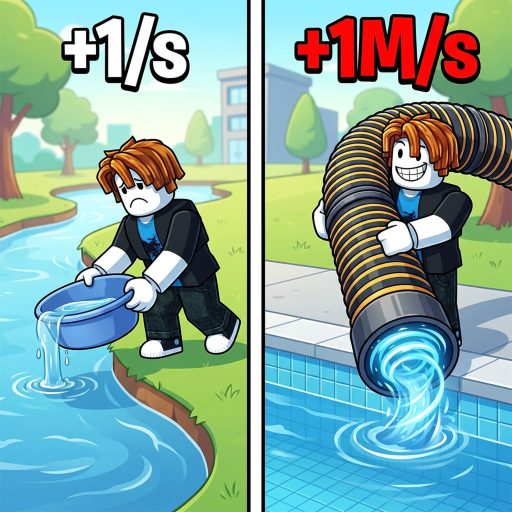
The +1 WATER description is a baseline. If an upgrade or Pet changes your effective rate, enter the value you can actually see.

Define the stop condition before repeating.

Stop when progress stops

Leave a route when the same clicks no longer improve water, drain speed, or the next clear milestone.

Define the stop condition before repeating.

Repeatable loop

Run the session in order

  1. 1

    1. Set a target

    Write down the water amount or in-game milestone you want before starting.

  2. 2

    2. Check the rate

    Use the baseline or enter a player-known Pet/upgrade rate.

  3. 3

    3. Repeat the pool loop

    Stay with the route that produces visible progress instead of switching on every click.

  4. 4

    4. Reinvest once

    Spend on a visible drain or rate improvement, then run the estimate again.

Stop rules

Leave a bad farming loop

Farming without a target

A clear goal makes a repeated drain session measurable.

Treating a Pet boost as universal

Enter only the effective rate that applies to your own setup.

Assuming the biggest pool is always next

Read the current Area or Lake unlock screen before choosing a route.

Water Calculator

Estimate clicks and optional minutes.

Pets

Keep your own boost notes in one place.

Upgrade Guide

Compare two drain rates before spending.

Explore all drain guides

Return to the hub to plan another part of your farming session.