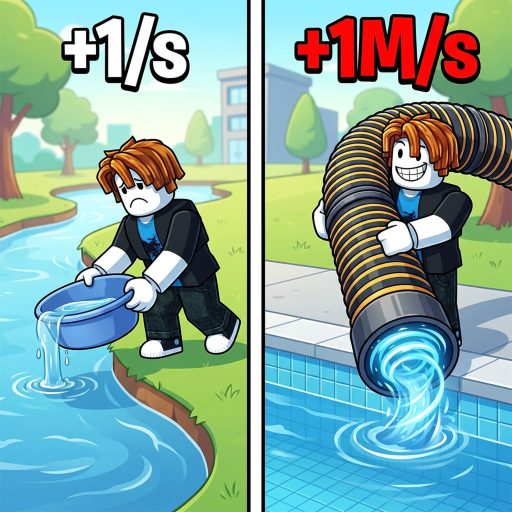
What does the +1 Drain Water Per Click calculator measure?
It converts a water goal into a click count: enter your current Water, the target Water, and your effective water-per-click rate, and it returns the Water still missing, the clicks needed, and — if you add a clicks-per-minute pace — the estimated minutes. It is plain arithmetic on your inputs; the official game description supplies only the +1 WATER-per-click starting baseline.
What rate should I enter?
The multiplier your setup actually shows in game. A fresh account clicks at +1 WATER. Each documented pump multiplies that: the fan wiki's pump database runs from Lucky Clover at ×12 through Sunflower ×30, Ocean ×50, Electric ×125, up to Dianeti at ×4M — and equipped Pets, Rebirths, and Auras stack further multipliers on top. When in doubt, watch the number your Water counter gains per click and enter that.
Why does the estimate grow so fast at higher rungs?
Because pump prices scale much faster than multipliers. The Ocean costs 15K Water at ×50 — about 500 clicks from zero — but the Venom costs 2.75M at ×5K, and Dianeti costs 15B even at ×4M (3.75 million clicks). That curve is exactly why the community guides rank Rebirths, which grant permanent multipliers, among the strongest boosts in the game.
Does the calculator include Fish and Cash income?
No. Selling Fish and displaying them in the aquarium earn Cash — a separate currency for Backpack, Walk Speed, and Display Stand upgrades — while this planner tracks Water, the click-trained stat that pumps are priced in. Keeping the two currencies apart is what keeps the estimate honest.
Are the pump multipliers official values?
They are community-documented: the independent fan wiki's pump database labels its data verified August 29, 2026, and notes its figures are confirmed by in-game checks through the Demon tier. The developer publishes no stat table, and updates can rebalance prices — so treat a mismatch between the table and your game screen as the newer fact.